Complete Guide for Small Businesses
Website speed is no longer a technical detail—it’s a business growth factor. In 2025, users expect lightning-fast websites. If your website takes more than 3 seconds to load, over 50% of visitors leave instantly. And if you’re a small business in Roorkee, Haridwar, Dehradun, or anywhere in India, your customers mostly browse on mobile networks—making speed even more critical.
In this long-form guide, we’ll break down exactly how website speed works, why it matters in 2025, and how you can dramatically improve it (even if you’re not a technical person). Whether you run a service business, coaching institute, e-commerce shop, or local store—speed can significantly increase your leads, sales, and Google ranking.
We’ll also connect this topic with modern design approaches discussed in your earlier articles like
Web Design Trends for 2025,
and serverless technologies explained here:
AWS Serverless Contact Form Guide.
Why Website Speed Matters More Than Ever in 2025
User behavior has changed drastically. People want answers immediately, especially on mobile. Combined with AI-driven search, voice queries, fast-loading apps, and 5G, users no longer tolerate slow websites.
Here’s why website speed matters:
- Google ranks fast websites higher. Speed is a Core Web Vital.
- Slow websites kill conversions. Every 1-second delay = 7% drop in conversions.
- Small businesses lose leads instantly. People don’t wait—they switch to a competitor.
- Mobile users expect speed. Most browse on 4G/5G networks, not Wi-Fi.
- AI search prefers fast, structured, optimized content.
In short—speed is not “technical maintenance.”
It’s direct revenue protection.
How to Check Your Website Speed (2025 Tools)
Before improving anything, you must audit your current performance. The three best tools are:
- Google PageSpeed Insights – official Google metrics
- GTmetrix – detailed waterfall & load breakdown
- Pingdom – performance monitoring
Pay attention to these metrics:
- LCP (Largest Contentful Paint) – Should be under 2.5 seconds
- FID / INP – Should be under 200ms
- CLS – Should be under 0.1
- Total Page Size – Under 2MB
- Requests – Fewer = faster
Once you know your score, you can begin fixing the issues step-by-step.
1. Use Lightweight, Modern Hosting (Prefer Serverless)
Traditional hosting (shared hosting, cPanel hosting) often slows down websites due to overloaded servers. In 2025, better hosting options exist—especially serverless hosting.
Best hosting options for speed:
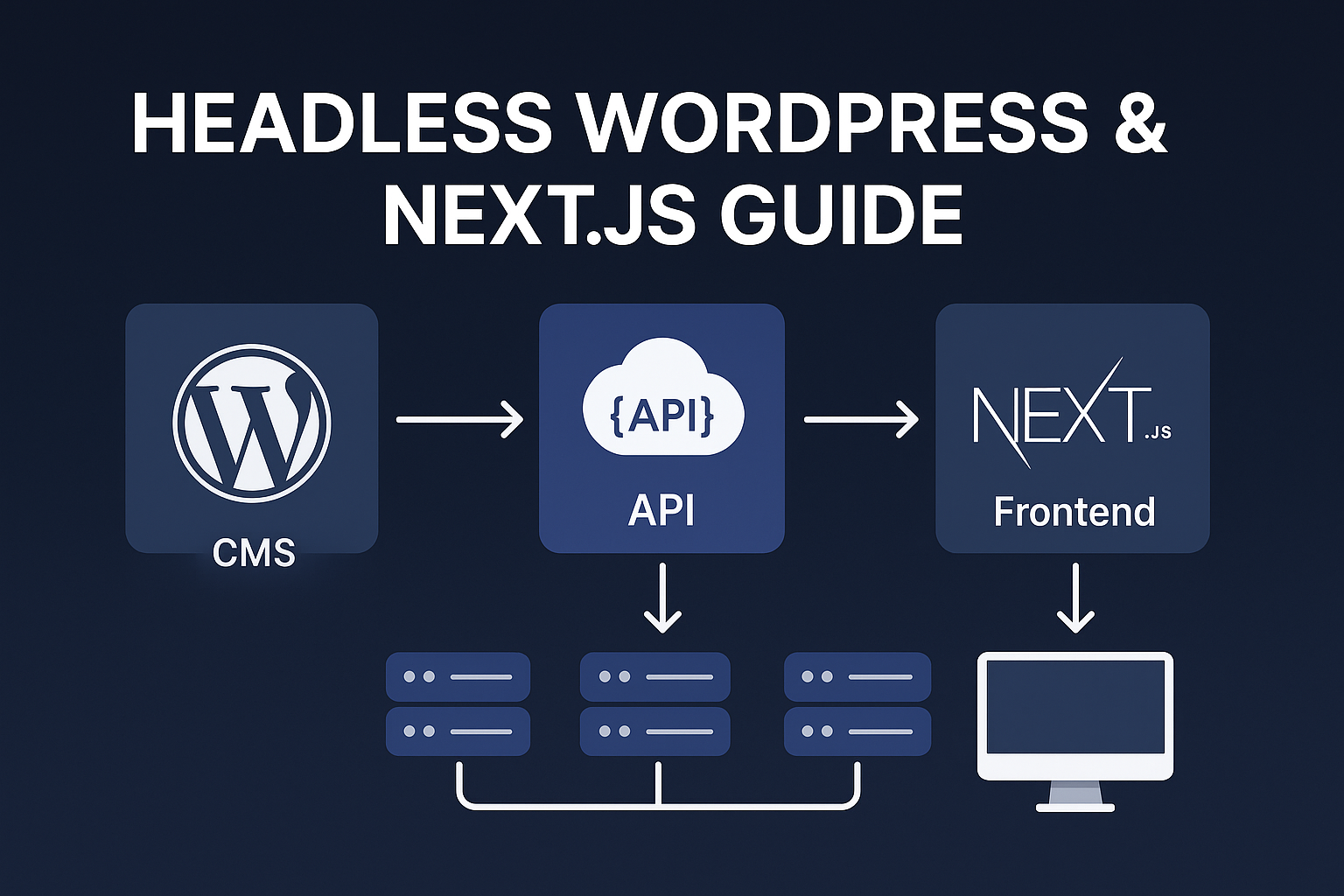
- AWS S3 + CloudFront (Serverless) – extremely fast
- Netlify / Vercel – lightning-fast for static sites
- LiteSpeed-based hosting
- Cloudflare Hosting
If your website uses simple HTML, landing pages, or a pure frontend, serverless hosting is unbeatable.
You already have a practical guide here:
AWS Serverless Contact Form Guide.
Businesses in Roorkee & Uttarakhand especially benefit from serverless hosting because regional mobile networks can slow down heavy websites.
2. Compress & Optimize All Images (Biggest Speed Boost)
Images usually form 50–70% of your total page size. Compressing them creates an immediate speed improvement.
2025 Image Optimization Checklist:
- Use WebP format instead of JPG/PNG
- Compress images using TinyPNG or Squoosh
- Resize images to correct resolution (don’t upload 4000px images)
- Lazy-load below-the-fold images
- Use modern AVIF where possible
A single unoptimized image can increase load time by 3–5 seconds on mobile.
3. Remove Heavy WordPress Plugins
WordPress is great, but plugins are the #1 reason small business websites become slow. In 2025, you need to keep plugins minimal.
Recommended plugin count: 10–12 max
Plugins you SHOULD remove:
- Sliders
- Heavy page builders (use block theme instead)
- Multiple form plugins
- Outdated SEO plugins
- Analytics plugins (use script embed instead)
Plugins like Elementor, WPBakery, Slider Revolution often add 2–4 seconds to load time. Modern alternatives like Gutenberg, GeneratePress, or block themes are much faster.
4. Use a CDN (Content Delivery Network)
A CDN delivers your content from the nearest server to the user. Without a CDN, your site loads from one single server—leading to slow performance for distant visitors.
Best CDNs in 2025:
- Cloudflare – free + premium features
- AWS CloudFront – fastest for static sites
- Fastly – enterprise-grade
A CDN can reduce load time by 40–60% in global markets.
5. Minify CSS, JS & HTML
Minification removes unnecessary characters like spaces, comments, and unused code—making files smaller and faster.
You should minify:
- CSS files
- JavaScript files
- HTML output
This alone can cut page load size by 10–30%.
Tools that help:
- Cloudflare Auto-Minify
- LiteSpeed Cache plugin
- WP Rocket
- Vercel build optimizations
6. Preload Important Assets
Preloading tells the browser which files to load first—speeding up the rendering process.
Preload the following:
- Main font files
- Hero section image
- CSS file for above-the-fold section
- Important JavaScript
This improves LCP (Largest Contentful Paint), one of the most critical metrics for ranking.
7. Reduce or Delay JavaScript Execution
JavaScript-heavy websites are slower. Many WordPress themes load excessive JS unnecessarily.
Reduce JS by:
- Disabling unused features
- Removing unnecessary animations
- Using CSS animations instead of JS
- Deferring non-essential scripts
- Loading JS only when needed (conditional loading)
This single step can improve TTI (Time to Interactive) significantly.
8. Implement Lazy Loading for Images & Videos
Lazy loading means the image or video loads only when the user scrolls to it. This reduces initial load time significantly.
It’s especially important for long landing pages, galleries, and blogs.
Lazy-load items:
- Images below the fold
- Video embeds
- Map sections
- Sliders
9. Use Fast Fonts (or System Fonts)
Fancy fonts look good but slow down your site. In 2025, many designers use system fonts or preloaded lightweight font families.
Best practices:
- Use only 1–2 font families
- Preload your main font
- Use variable fonts (lighter)
- Avoid large icon fonts—use SVGs
10. Switch to Modern Frameworks (Optional but Powerful)
If you’re building a new site, modern frontend frameworks give superior performance.
- Next.js
- Astro
- SvelteKit
- Remix
They ship minimal JavaScript, optimized bundles, and excellent Core Web Vitals.
This approach aligns with the serverless + modern design philosophy you already follow at TEB Solutions.
11. Speed Up Your Homepage
Your homepage is the most visited page—optimizing it gives the biggest speed boost.
Your homepage should have:
- Fast hero image (compressed)
- No auto-playing videos
- No heavy sliders
- Clear content hierarchy
- Simple navigation
The fewer elements on your homepage, the faster it loads.
12. Speed for Local Businesses (India-Focused Tips)
In India, most users browse on:
- 4G networks
- Budget Android devices
- Low RAM phones
This means your website must be lightweight and mobile-first.
Tips for local small businesses:
- Use WebP images
- Use 1-column mobile layouts
- Enable compression (gzip/brotli)
- Avoid fancy animations
- Optimize maps & location embeds
Your website should load well even on slow networks in towns like Roorkee & Haridwar.
FAQ
How fast should a website load in 2025?
Under 2 seconds is ideal. Under 1 second is excellent.
Does website speed affect SEO?
Absolutely. It directly impacts rankings, bounce rate & conversions.
Does serverless hosting make a website faster?
Yes. Serverless + CDN = extremely fast performance worldwide.
Do I need to redesign my site to improve speed?
Not always. You can optimize in steps unless your theme is too heavy.
Which factor slows websites the most?
Large images, JavaScript, bad hosting, heavy themes, sliders.
Conclusion — Website Speed Is Business Speed
In 2025, website speed isn’t optional—it’s a competitive advantage. A fast-loading website increases leads, sales, trust, and Google ranking automatically.
If you’re a business owner in Roorkee, Uttarakhand, or anywhere globally—the sooner you optimize your website speed, the easier it will be to grow online.
Focus on the basics: images, hosting, plugins, CDN, mobile-first design. From there, you can explore serverless options, modern frameworks, and AI-driven optimization.